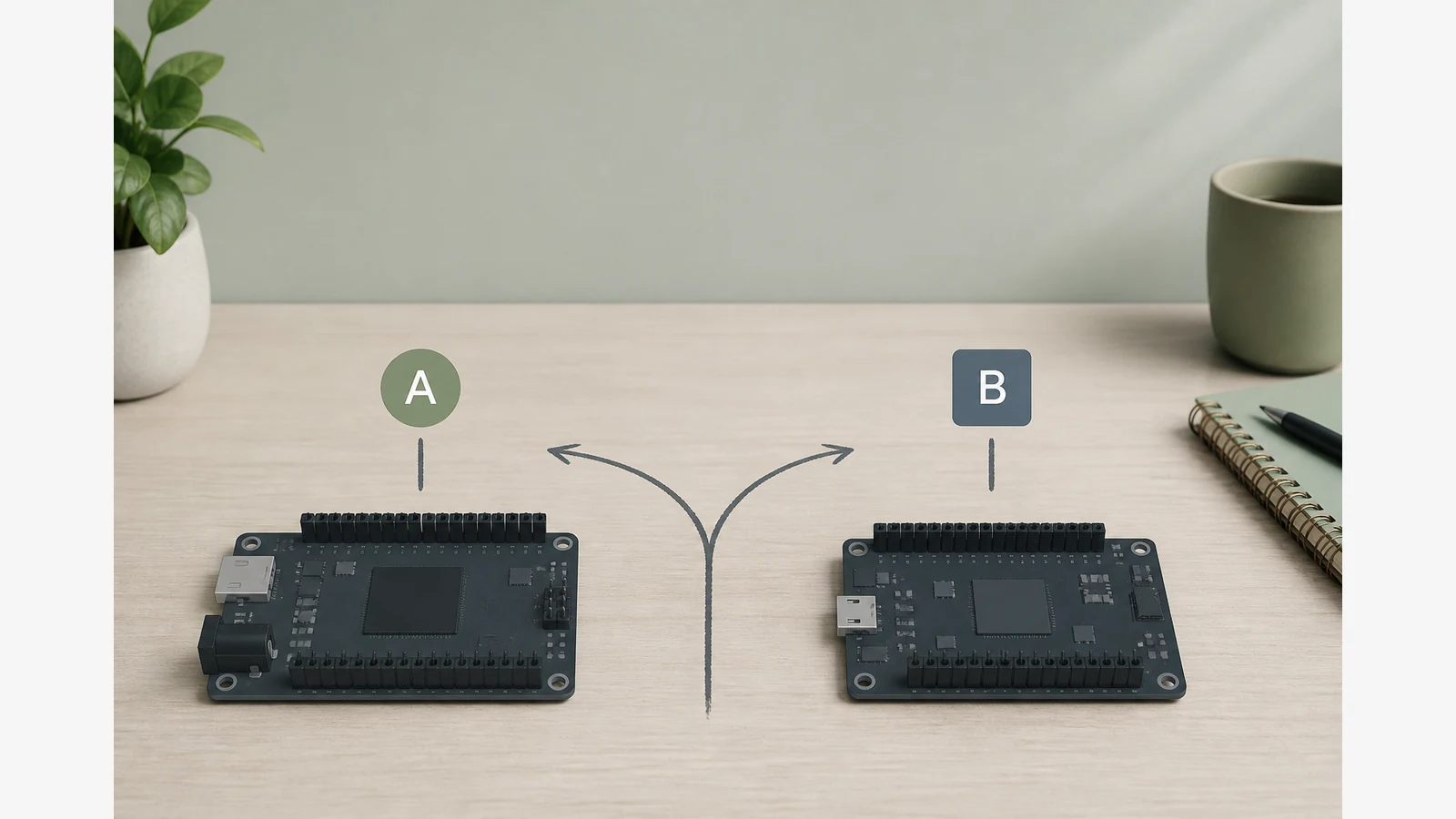
Arduino Uno R3 Vs R4 For Beginners Uk
For most UK beginners, start with an UNO R3-class board and kit unless you already know you need built-in Wi‑Fi or USB‑C from day one. Arduino itself frames Rev3 as the beginner-friendly path with a huge library of projects, while R4 is aimed at more advanced and IoT-style work.
That matters in the UK because free tutorials, club worksheets and many school resources still assume classic Uno R3 pin behaviour and AVR-oriented libraries. Matching your first board generation to the tutorials you will actually follow this month usually saves more frustration than chasing the newest silicon.
What actually differs between R3 and R4
Arduino’s help centre summarises continuity and change clearly: the boards keep a familiar Uno form factor and pinout style, but the microcontroller family, USB connector, wireless options and packaging differ between generations. Treat those as buying filters, not as a performance league table.
| Decision factor | R3-class kits | R4-class boards |
|---|---|---|
| Typical first-project fit | Blink, breadboard sensors, club worksheets | Projects that want onboard wireless or newer USB habits early |
| USB connector | Commonly USB‑B on classic Uno layouts | USB‑C on official R4 boards |
| Wireless | Usually none on the board; add modules later | Wi‑Fi variants exist in the R4 family |
| Library / tutorial risk | Huge AVR / classic Uno tutorial surface | Most tutorials still work conceptually; some packages differ |
| Processor class | Classic AVR Uno lineage | Newer MCU family documented by Arduino |
Do not assume every R3 sketch fails on R4. Expect occasional library or board-package differences, then check the official difference notes before you blame the hardware.
Who should pick which path
- Choose an R3-compatible starter kit if your month’s plan is breadboard labs, PDF tutorials, after-school clubs, or GCSE-style I/O practice that already assumes a classic Uno.
- Budget for an R4 Wi‑Fi learning kit if your first goal is connected projects, USB‑C convenience on a modern laptop, or you are following R4-specific classroom packs.
- Parents and adult beginners usually win by starting where the tutorials are clearest—not by paying for features they will not use in week one.
UK buying habit that avoids regret
Write down the first three projects you intend to build. If they are LED, button, buzzer, servo and temperature sensor labs, an R3-class kit is usually the calmer path. If project one is “talk to the home Wi‑Fi,” look at R4 Wi‑Fi materials instead.
When you compare listings, confirm the board generation on the product page rather than guessing from marketing adjectives. For a broader kit-contents lens before checkout, see our UK starter-kit contents checklist. If soldering anxiety is the real blocker, read how to choose a breadboard-first kit.